
Download
Every file is on GitHub Releases.
What it does
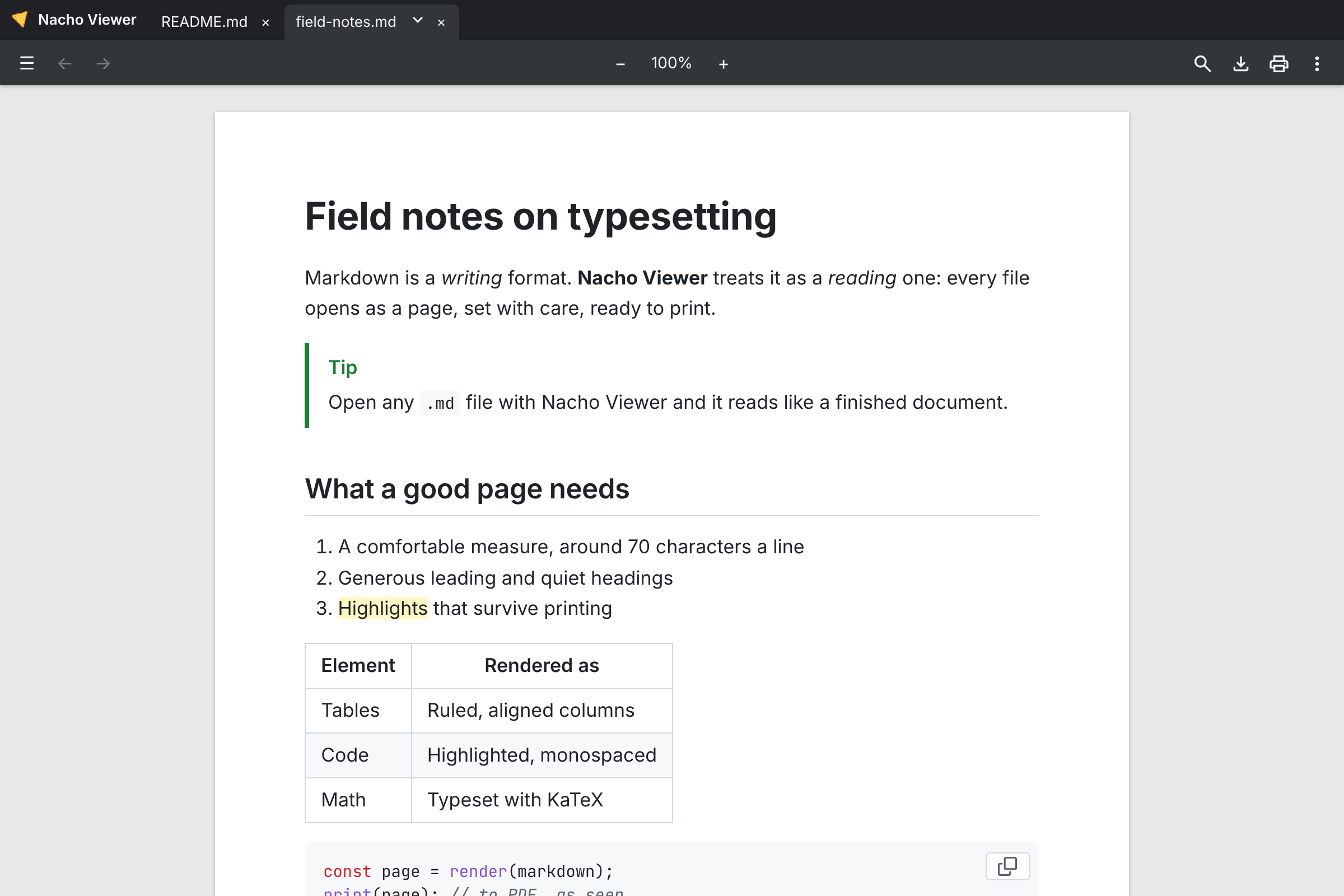
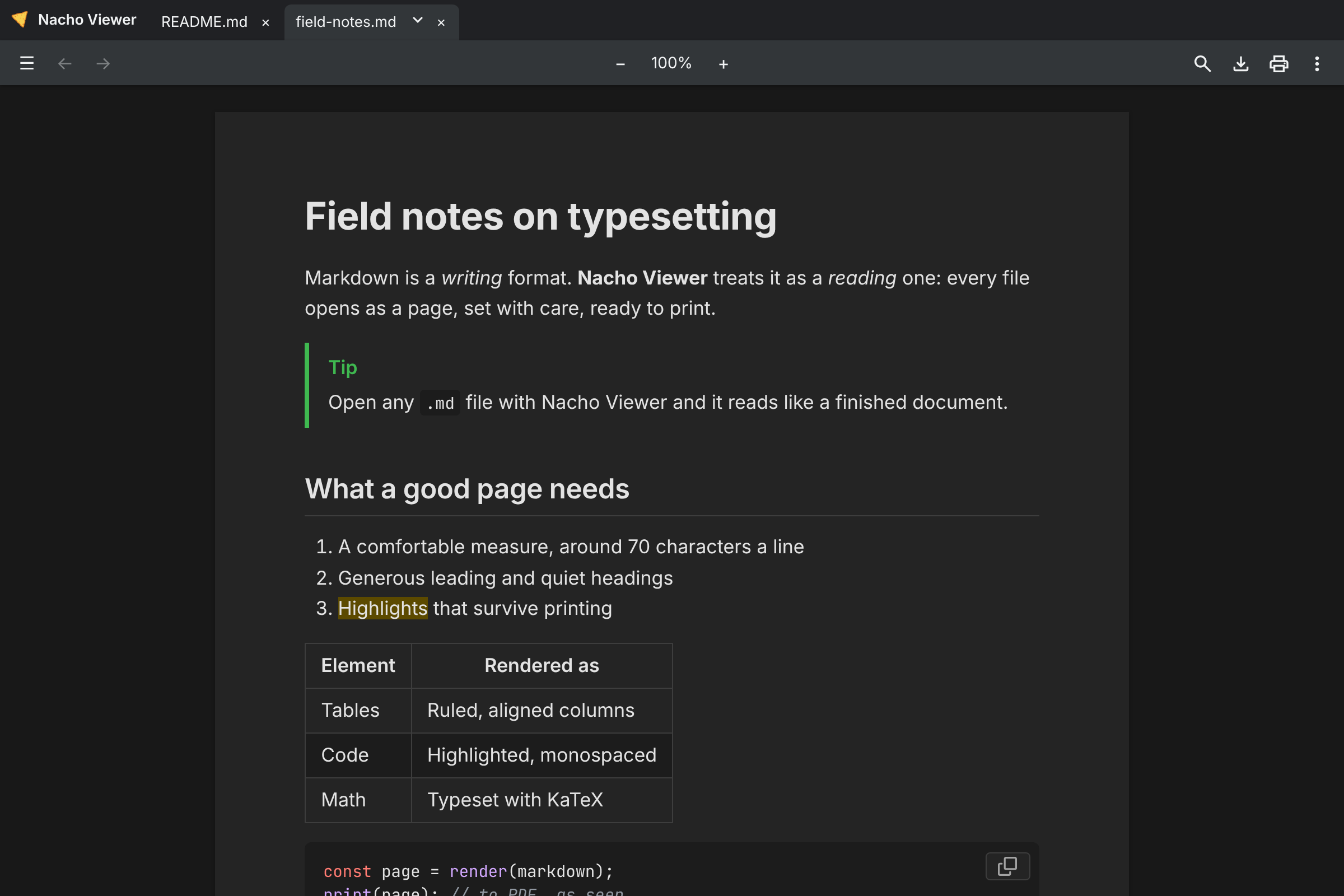
Reads like paper
A page view with book-quality typography, in light and dark, with five document styles.
Everything GitHub renders
Tables, footnotes, alerts, emoji, math and Mermaid diagrams, plus a few extras.
Built for reading
Tabs, an outline, find, zoom, and live reload when the file changes.
Print to PDF
Export exactly what you see. It stays a viewer: it never changes your files.
Other ways to install
macOS · Homebrew
brew install --cask nuncaeslupus/tap/nacho-viewer
Ubuntu, Debian · apt
Add the key and source from the README, then sudo apt install nacho-viewer
Linux · Snap
sudo snap install nacho-viewer
Windows · winget
Coming soon
Linux · Flathub
Coming soon
First launch
The app is not code-signed yet, so your system asks once before it opens it.
Windows
If SmartScreen warns, click More info, then Run anyway.
macOS
If macOS blocks the app, open System Settings › Privacy & Security and click Open Anyway.
Or in Terminal: xattr -dr com.apple.quarantine "/Applications/Nacho Viewer.app"